Color Cozy Online
Pick a picture, choose a color and tap to fill. Prefer paper? See all printable Cozy coloring pages.

 Sloth Wrapped🖨 Printable PDF
 Mandala of Mugs🖨 Printable PDF
 Candle Lantern🖨 Printable PDF
 Panda in Pajamas Tucked🖨 Printable PDF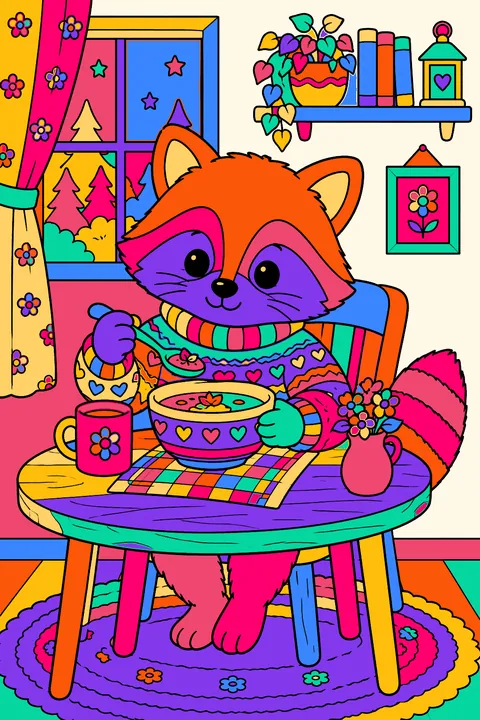
 Raccoon🖨 Printable PDF
 Sleepy Kitten Curled Up🖨 Printable PDF
 Kids Baking Cookies🖨 Printable PDF
 Cozy Living Room🖨 Printable PDF
 Owl Wearing a Knit Cap Perched🖨 Printable PDF
 Puppies Peeking🖨 Printable PDF
 Knitted Mitten🖨 Printable PDF
 Little Log Cabin🖨 Printable PDF
 Hedgehog🖨 Printable PDF
 Big Outline Letters Spelling Hello Winter🖨 Printable PDF
 Fox Sleeping🖨 Printable PDF
 Pair of Fuzzy Slippers🖨 Printable PDF
 Girl in Fuzzy Socks Sipping Cocoa🖨 Printable PDF
 Bunny Reading a Book🖨 Printable PDF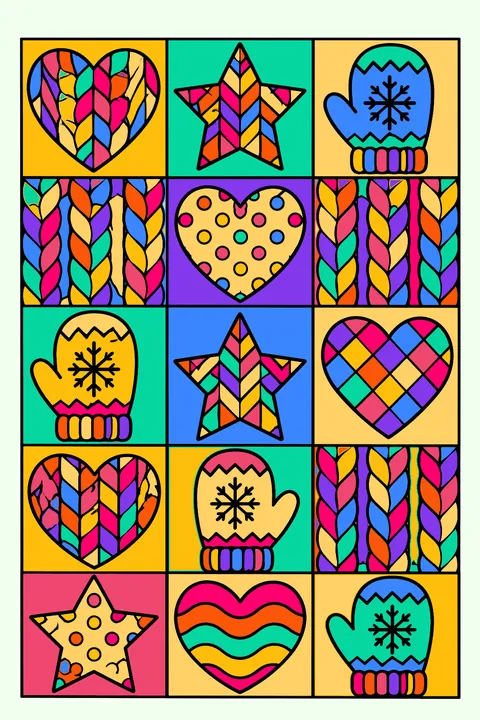
 Patchwork Quilt Pattern🖨 Printable PDF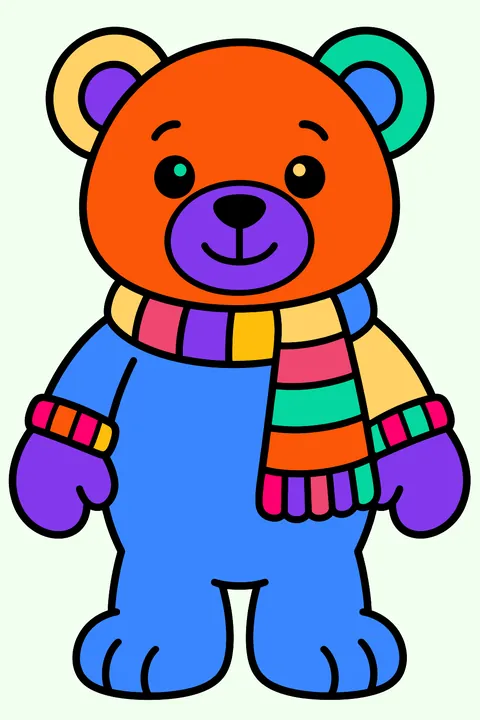
 Teddy Bear Wearing a Striped Scarf🖨 Printable PDF
 Crackling Fireplace🖨 Printable PDF
 Reading Nook🖨 Printable PDF
 Cat Wearing a Knit Sweater Curled Up🖨 Printable PDF
 Mug of Hot Cocoa🖨 Printable PDF
How to color Cozy online
Open any of the 24 Cozy pictures above. Pick a color from the crayon box and tap a shape: it fills neatly up to the lines, so even little kids get a tidy result. Switch to the brush for small details, try the rainbow fill for something special, and use the lighter and darker shades to give your picture depth.
Everything works on a phone, tablet or computer, with no app and no account. Your picture is saved in your browser as you go, and the Save button keeps a copy of the finished art to share or print.
Free cozy coloring pages you can print at home or color online with a tap.
Coloring Cozy online: questions
- Is it free to color Cozy online?
- Yes. Every Cozy picture on this page is free to color online, with no sign-up and nothing to install.
- Can I save or print my colored picture?
- Yes. Press Save my picture to download it as an image, or share it straight from your phone. To color on paper instead, use the printable version of each page.
- Does online coloring work on an iPad or phone?
- Yes. Tap to fill, pinch with two fingers to zoom into small areas, and the colors and tools stay at the bottom of the screen while you color.