Color Bible Online
Pick a picture, choose a color and tap to fill. Prefer paper? See all printable Bible coloring pages.

 Three Wise Men Riding Camels Following🖨 Printable PDF
 Open Bible🖨 Printable PDF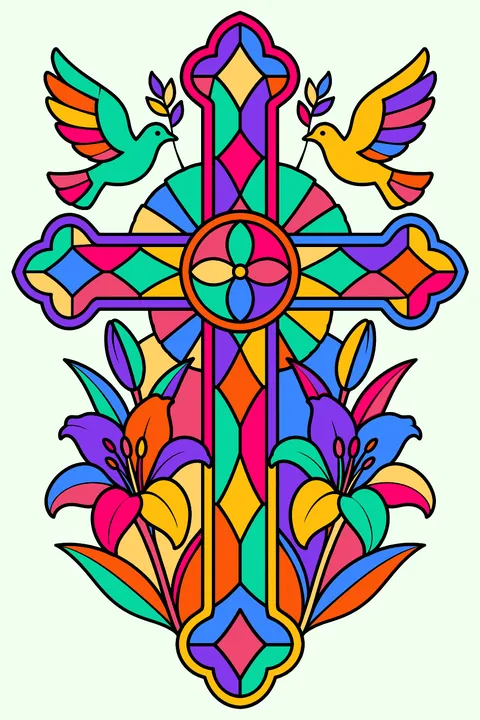
 Stained Glass Cross🖨 Printable PDF
 Joseph in his Coat of Many Colors🖨 Printable PDF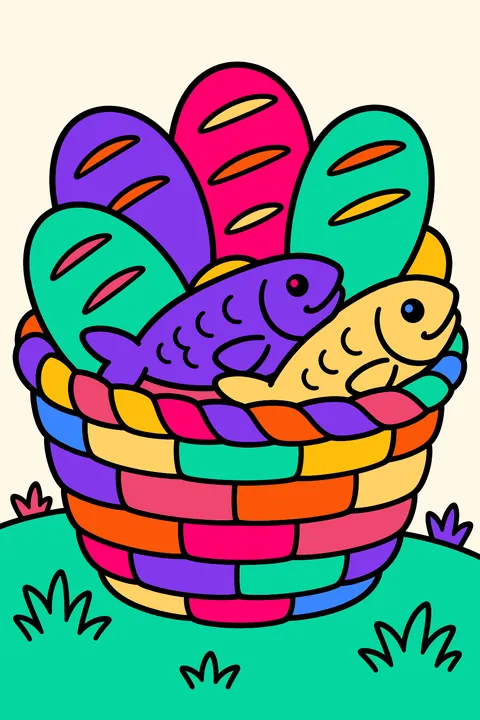
 Five Loaves and Two Fish🖨 Printable PDF
 God Is Love Written in Big Outline🖨 Printable PDF
 Nativity Scene🖨 Printable PDF
 Star of Bethlehem Shining🖨 Printable PDF
 Creation Scene of the Garden of Eden🖨 Printable PDF
 Creation Mandala🖨 Printable PDF
 Daniel🖨 Printable PDF
 Little Lamb Resting🖨 Printable PDF
 Good Shepherd Carrying a Lamb🖨 Printable PDF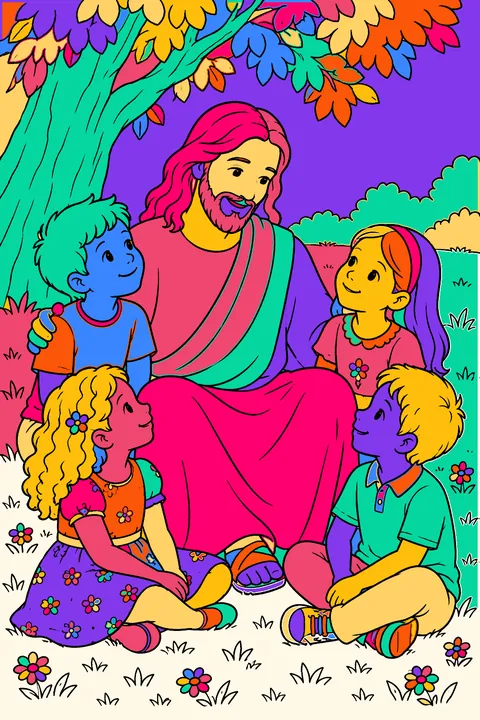
 Jesus Sitting🖨 Printable PDF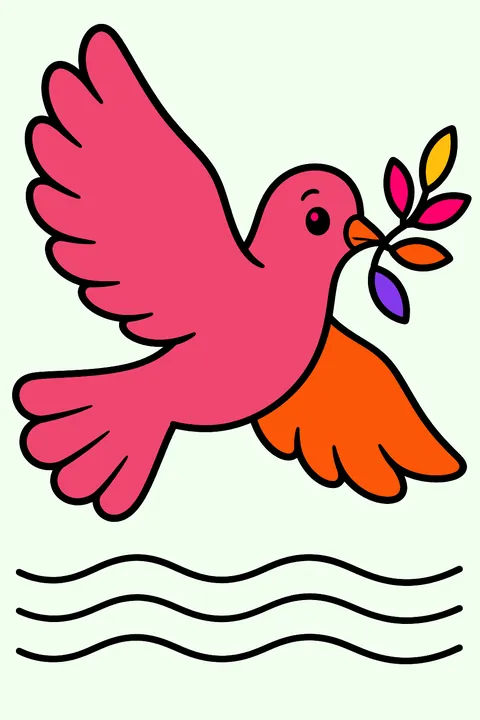
 Dove Flying🖨 Printable PDF
 Moses Parting the Red Sea🖨 Printable PDF
 Moses Holding the Tablets of the Ten🖨 Printable PDF
 Praying Hands🖨 Printable PDF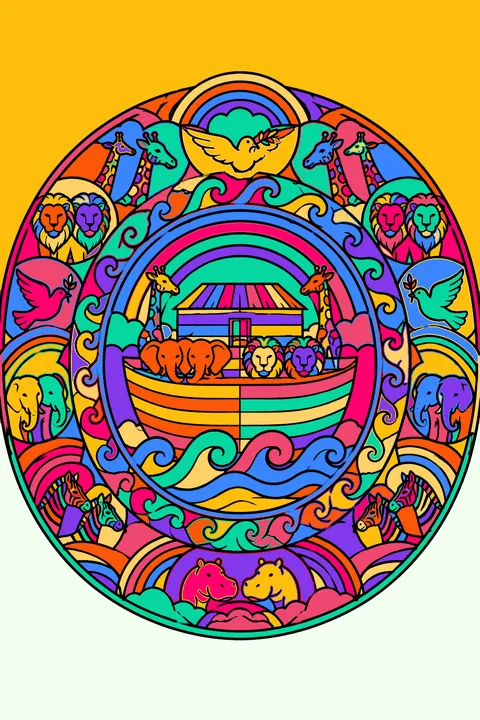
 Noah's Ark Mandala🖨 Printable PDF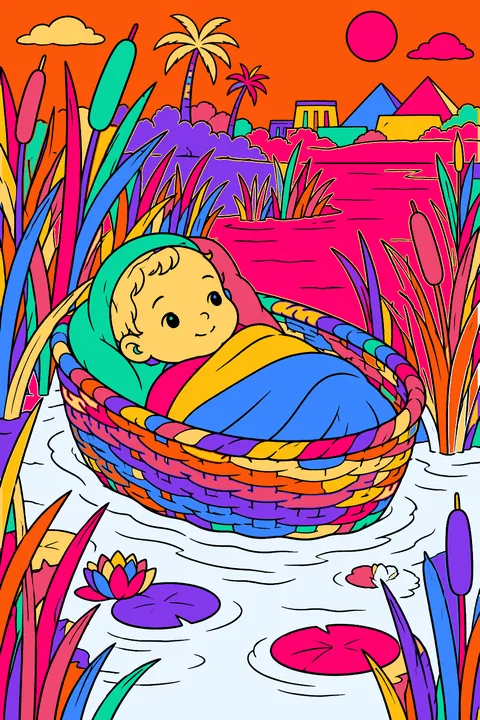
 Baby Moses🖨 Printable PDF
 David🖨 Printable PDF
 Jonah and the Big Fish🖨 Printable PDF
 Noah's Ark Resting🖨 Printable PDF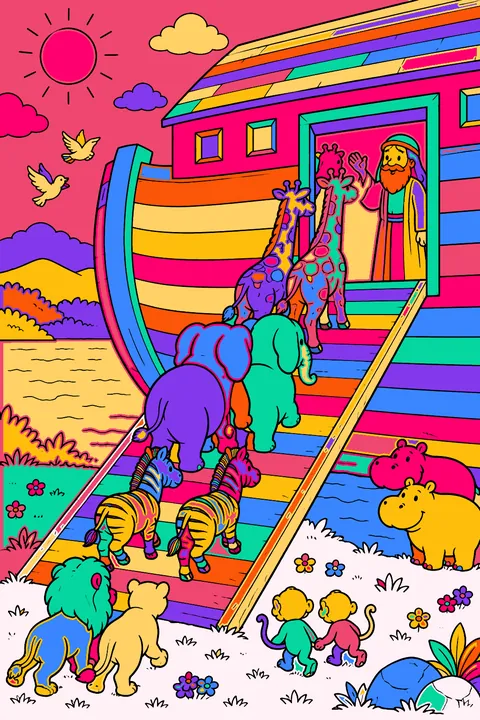
 Noah's Ark🖨 Printable PDF
How to color Bible online
Open any of the 24 Bible pictures above. Pick a color from the crayon box and tap a shape: it fills neatly up to the lines, so even little kids get a tidy result. Switch to the brush for small details, try the rainbow fill for something special, and use the lighter and darker shades to give your picture depth.
Everything works on a phone, tablet or computer, with no app and no account. Your picture is saved in your browser as you go, and the Save button keeps a copy of the finished art to share or print.
Free bible coloring pages you can print at home or color online with a tap.
Coloring Bible online: questions
- Is it free to color Bible online?
- Yes. Every Bible picture on this page is free to color online, with no sign-up and nothing to install.
- Can I save or print my colored picture?
- Yes. Press Save my picture to download it as an image, or share it straight from your phone. To color on paper instead, use the printable version of each page.
- Does online coloring work on an iPad or phone?
- Yes. Tap to fill, pinch with two fingers to zoom into small areas, and the colors and tools stay at the bottom of the screen while you color.